Practical advice to keep your smartphone powered through Uganda’s unpredictable power outages
Introduction: Why Battery Life Matters More in Kampala
If you live in Kampala, you know the struggle. Power outages can happen without warning, and when they do, your smartphone becomes your lifeline. Whether you need to make an urgent call, check important messages, or simply stay entertained during a blackout, a dead battery is the last thing you need.
The reality is that Uganda experiences frequent power outages, with many areas facing load shedding or unexpected cuts. This makes battery management not just a convenience — it’s a necessity for daily life.
But here’s the good news: you don’t need to buy a new phone to get better battery life. With a few simple habits, you can significantly extend how long your phone lasts between charges. This guide covers practical, proven strategies that work for Kampala users, using the phones available in our market.
Understanding Battery Drain: What’s Killing Your Phone’s Battery?
Before we dive into solutions, it helps to understand what’s actually draining your battery. Here are the biggest culprits:
| Battery Drain Factor | Impact Level | Why It Happens |
|---|---|---|
| Screen Brightness | High | The display consumes more power than any other component |
| Background Apps | High | Social media, navigation, and streaming apps keep running after you close them |
| Network Searching | Medium-High | Your phone works harder to find signal in areas with weak coverage |
| GPS/Location Services | Medium | Constant location tracking drains power even when you’re not navigating |
| Push Notifications | Medium | Each notification wakes your phone from sleep mode |
| Outdated Apps | Low-Medium | Older app versions are often less energy-efficient |
Now that you know what’s draining your battery, let’s fix it.
1. Lower Your Screen Brightness (The #1 Battery Saver)
Your screen is the single biggest battery consumer on any smartphone. According to battery experts, display brightness can account for up to 30-50% of total battery usage.
How to do it in Kampala:
- Enable Auto-Brightness: This feature adjusts your screen based on ambient light. It works perfectly for Kampala’s bright days and darker evenings.
- Manual Reduction: Indoors or in the evening, keep brightness between 30-50%.
- Dark Mode: If your phone has this feature, enable it. AMOLED displays save significant power when showing dark colours.
Pro Tip for Kampala Users: On sunny days, you might need higher brightness to see your screen. But when you step indoors or into shade, remember to reduce it. This small habit alone can add 1-2 hours of battery life.
2. Close Background Apps (Especially Social Media)
Many people think closing an app means it stops running. That’s not always true. Apps like Facebook, WhatsApp, Instagram, and especially navigation apps (Google Maps, Uber) continue using battery even after you’ve switched to another app.
Why this matters in Kampala:
- Many Kampala users rely heavily on WhatsApp for business and personal communication
- With limited data, apps may keep trying to sync, using both data and battery
- Budget smartphones (which are common in Uganda) have smaller batteries and are more affected
Simple Fix:
- On Android: Swipe up from the bottom and swipe away unused apps
- On iPhone: Swipe up from the bottom and pause, then swipe up on apps to close
- Go to Settings > Battery > Battery Usage to see which apps are draining your power
What to close:
- Facebook and Instagram
- Google Maps (after you’ve finished navigating)
- YouTube and streaming apps
- Games (especially graphics-heavy ones)
3. Turn Off Data, WiFi, and GPS When Not Needed
This is one of the most effective tips, yet often overlooked. Your phone constantly searches for signal when data, WiFi, or GPS are left on unnecessarily.
The Kampala challenge:
In areas with weak network coverage — and let’s be honest, many parts of Kampala have patchy signals — your phone works much harder to stay connected. This can drain your battery twice as fast.
What to do:
- Turn off WiFi when you’re not near a known network
- Disable mobile data when you don’t need internet (you can still receive calls and texts)
- Turn off GPS unless you’re actively navigating
- Use Airplane Mode overnight or during long periods without network coverage
Real example: A Kampala user in a building with poor reception might lose 20% battery in 2 hours just from phone searching for signal. Turning off data and GPS during those hours preserves that power.
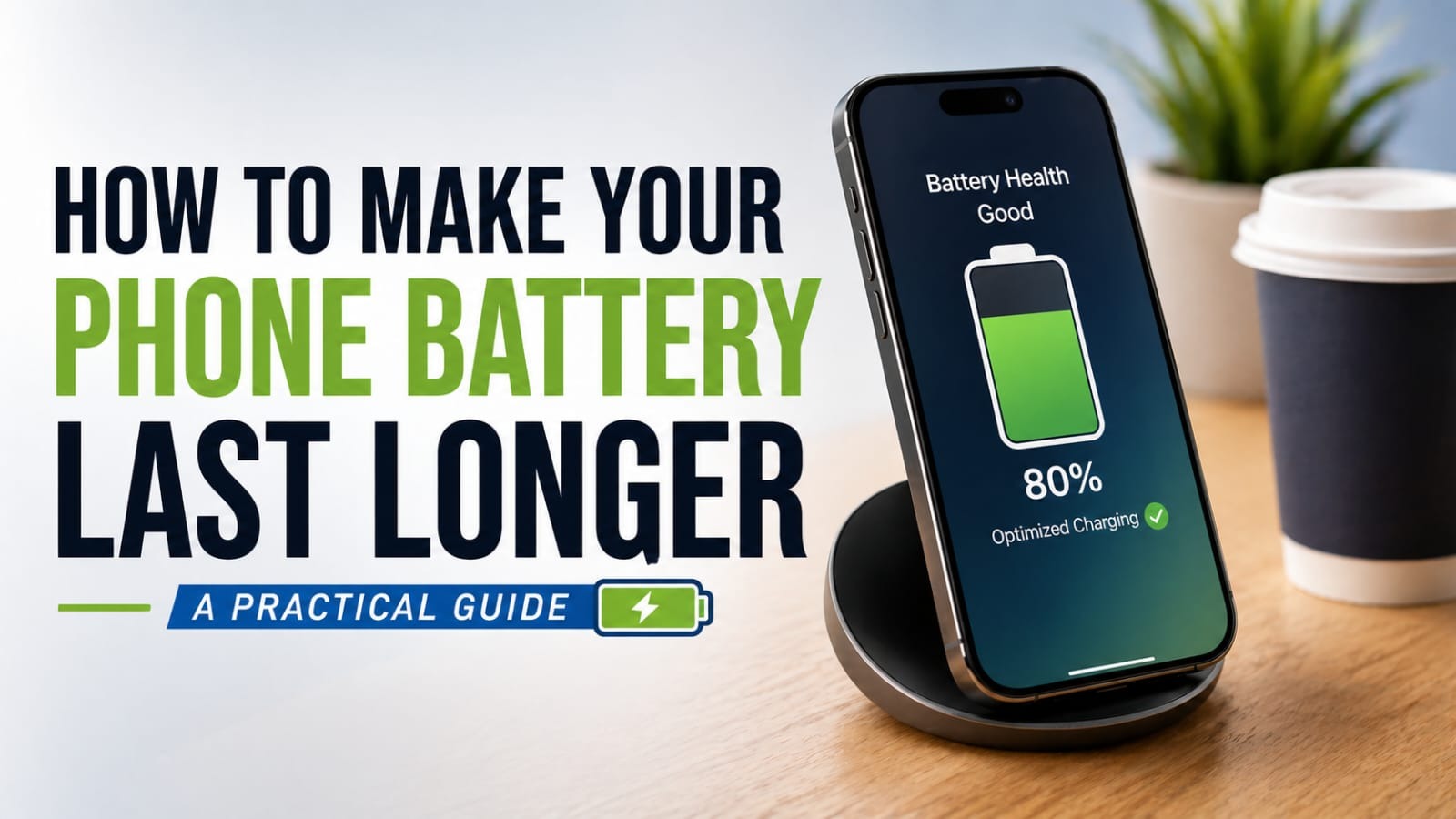
4. Avoid Letting Your Battery Drop to 0% Repeatedly
This is a habit many of us are guilty of — using our phones until they die completely before charging. But doing this regularly shortens your battery’s lifespan over time.
The science behind it:
Modern lithium-ion batteries (used in virtually all smartphones) have a limited number of charge cycles. A charge cycle is the process of charging from 0% to 100%. Every time you drain your battery to 0%, you use a full cycle.
Better approach:
- Charge when your battery falls to 20-30% rather than 0%
- Unplug when it reaches 80-90% for optimal lifespan
- Avoid leaving your phone plugged in overnight (though modern phones can handle this, it still creates heat that degrades the battery)
Kampala context: With unpredictable power, it’s tempting to charge whenever electricity is available. That’s okay — just don’t wait until your phone shuts off before plugging it in.
5. Use a Genuine or Quality Charger and Cable
This is crucial for Kampala users. Cheap, uncertified chargers are everywhere — in markets, roadside stalls, and corner shops. While they might cost less upfront, they can seriously damage your battery.
Why quality matters:
- Cheap chargers deliver inconsistent power, which creates heat and stress on your battery
- Over time, this permanently reduces your battery’s capacity
- Poor quality cables can even pose a fire hazard
What to look for:
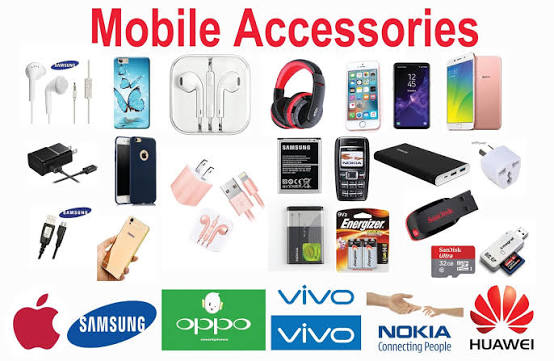
- Original manufacturer charger (Samsung, Apple, Tecno, Infinix)
- Certified third-party brands (Anker, Ugreen, Baseus)
- Fast charging compatible with your phone model
Where to find genuine chargers in Kampala:
At Mutoni Phone Hub, we stock only genuine chargers, cables, and power banks. We understand that investing in quality accessories today saves you money on battery replacements tomorrow.
6. Keep a Power Bank Ready for Outages
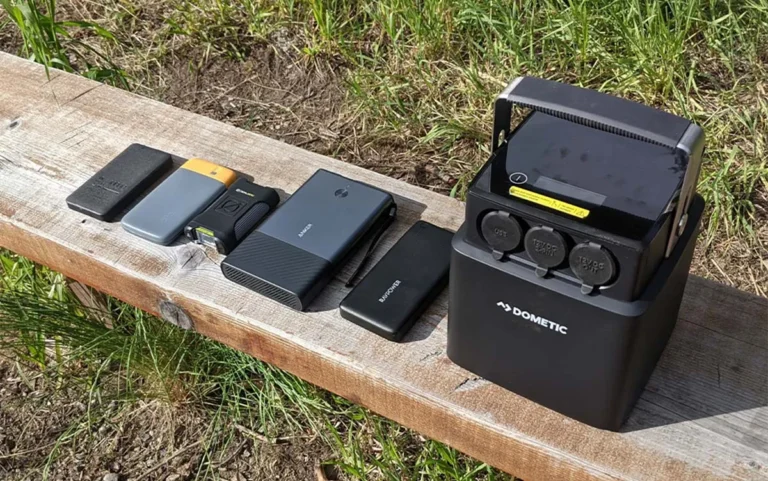
No amount of battery-saving habits fully replaces the need for backup power during Kampala’s outages. A good power bank is essential for anyone who relies on their phone daily.
Choosing the right power bank for Kampala:
| Capacity | Best For | Price Range (UGX) |
|---|---|---|
| 10,000mAh | Light users, 2-3 full charges | ~100,000-150,000 |
| 20,000mAh | Heavy users, 4-6 full charges | ~180,000-250,000 |
| 30,000mAh+ | Power users, multiple devices | ~300,000+ |
Quick tip: When selecting a power bank, prioritise those with fast charging capabilities. This ensures your phone charges quickly when power is available.
Accessories that help in Kampala:
- Car charger — essential if you spend time commuting in Kampala traffic
- Solar power bank — a good backup for extended outages
- Multi-port charger — charge your phone and accessories simultaneously
When to Replace Your Battery (Not Just Your Habits)
Even with the best habits, smartphone batteries degrade over time. Here are signs it’s time for a replacement:
- Phone dies within a few hours despite healthy habits
- Battery percentage jumps erratically (e.g., from 40% to 20% suddenly)
- Phone shuts off even when showing 15-20% battery
- Swelling on the back of your phone (stop using immediately)
The economics in Kampala:
Replacing a battery typically costs 30-50% less than buying a new phone. A genuine battery replacement at Mutoni Phone Hub can extend your phone’s life by 1-2 years — a smart financial decision for most Kampala users.
Quick Summary: Your Battery-Saving Checklist
| Habit | Impact | Effort |
|---|---|---|
| Lower screen brightness | High | Low |
| Close background apps | High | Medium |
| Turn off data/wifi/GPS | High | Low |
| Charge before 0% | Medium (long-term) | Low |
| Use genuine charger | Medium (long-term) | Low |
| Keep a power bank | High | Low |
Frequently Asked Questions
Why does my phone battery drain so fast?
Common causes include high screen brightness, apps running in the background (especially social media), and your phone searching for weak network signals. All of these can be improved with simple settings changes as outlined in this guide.
Is it bad to let my phone battery reach 0% often?
Yes — repeatedly fully draining your battery accelerates long-term battery degradation. Charge before it hits critical levels (below 20%) rather than waiting for a full shutdown.
How do I know if my charger is damaging my battery?
Signs include slow charging, phone heating up unusually during charging, or battery percentage dropping quickly after unplugging. If you experience these, try a different charger or cable.
Can I charge my phone overnight?
Modern phones have mechanisms to prevent overcharging, but it still generates heat that can degrade battery health over time. For optimal lifespan, unplug when it reaches 80-90% when possible.
How often should I replace my phone battery?
Most smartphone batteries last 2-3 years with normal use. If you’re experiencing any of the signs mentioned above and your phone is over 2 years old, a replacement is likely needed.
Get Quality Accessories at Mutoni Phone Hub
Need a genuine charger, cable, or power bank? Mutoni Phone Hub is your trusted source for quality phone accessories in Kampala. We stock:
- Original Samsung, Tecno, and Infinix chargers
- High-quality third-party accessories (Anker, Ugreen, Baseus)
- Reliable power banks for Kampala’s unpredictable power
- Genuine smartphone batteries for all major brands
Visit us at our shop in Kampala or order online for delivery.
📞 Call or WhatsApp: [Your Phone Number]
📍 Location: [Your Full Address], Kampala
Final Thoughts
Your smartphone is one of your most important tools — especially in Kampala, where it connects you to work, family, and essential services. By adopting these simple habits and using quality accessories, you’ll get more life out of every charge and avoid unnecessary expenses on replacements.
Remember: Small changes make a big difference. Start with one habit today — lower your screen brightness, close unused apps, or pick up a genuine charger — and notice the improvement in your daily battery life.
Mutoni Phone Hub — Your trusted smartphone partner in Kampala. Genuine phones, quality accessories, delivered to you.